House Electronics
WiFi:
Network: Internet for Dogs (Dogs Only)
Password: goodBOYiggy9093!
Thermostat:
Feel free to change the thermostat when needed. It's set to get fairly cold at night, so you can either bump it up or grab more blankets, whichever is more comfortable.
Record player:
We can show you how to use it if you aren't confident setting it up! They're fun to play! We just ask that you're gentle with them since most of them are, like us, from the 1900's.
Roku:
We have a Roku with Amazon Prime TV, Peacock, Apple TV and I can't remember the others. We alternate the different services we subscribe to beyond the first three.
Minicomputer/offline TV from various streaming:
We have a plex server based on the Easystore external drive and the Minisforum computer. The Minisforum computer is HDMI 2 currently. To play anything on there navigate to the Easystore HD, copy the folder/file you want to watch to the 'Videos' section of the Minisforum computer file system. Unfortunately with the local plex settings you can't watch directly from the external drive area.
PS5:
The PS5 should be mapped to HDMI Input 2 (currently plugged into the Minisforum). Feel free to use my account, play any games, download any of the free games from PS Plus (there are a lot, plenty of classics), on the top menu bar you can also select Media to access streaming services.
We have a bevy of DVDs for the PS5 if something happens to the internet. The DVDs are housed in the stacked Discgear cases on top of the grey hutch, and some other storage on the top shelf within the hutch, with a binder labeled ‘Movies’ behind the TV that has the discs shown in order of which slot they’re in.
To turn on the PS5:
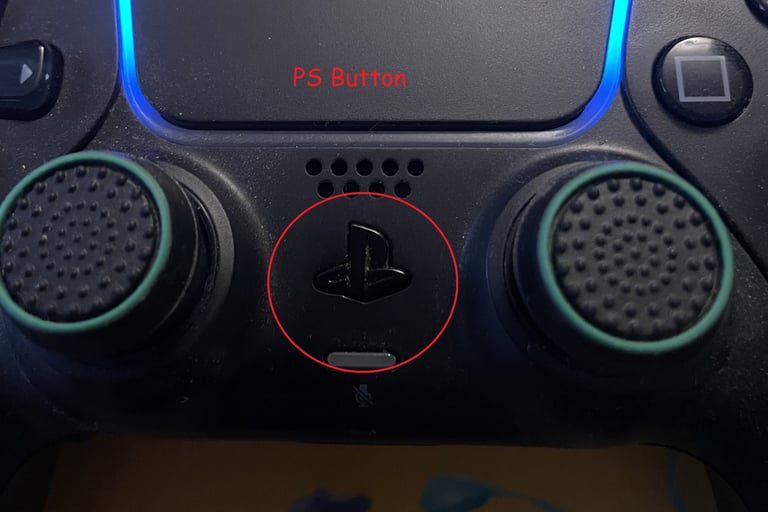
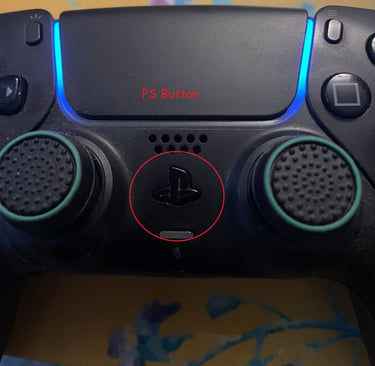
Press the PS button on the center of the controller.
If you don’t automatically login, select Mike H.
To access movies:
On the top bar select Media
From here you can select a streaming service
On the front-left-bottom of the console is a slot for DVDs
These are also accessed through Media
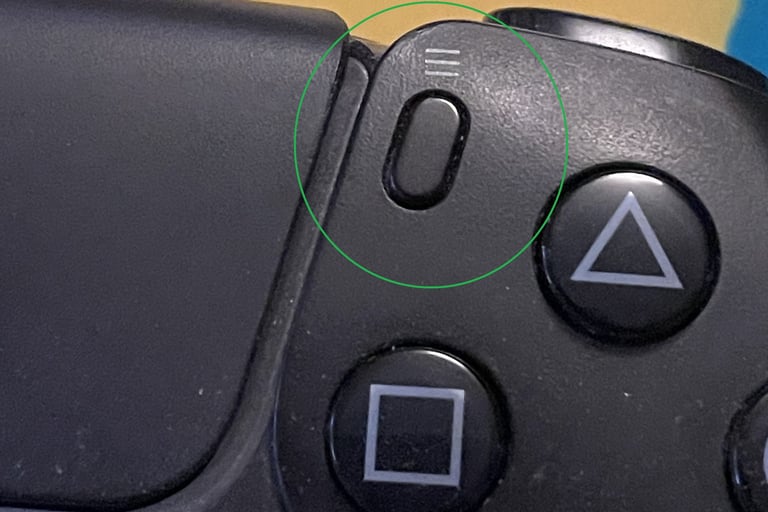
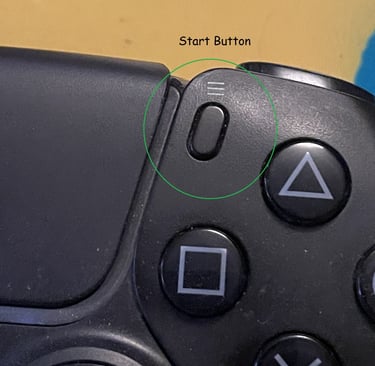
To remove a disk, highlight the disk on the menu and press the Start button
Select Eject Disk (it sometimes takes a few seconds to eject)
Please turn the console to Rest or Off mode when not in use!
The console is prone to overheating
Press the PS button
On the right side of the bottom menu is a power symbol
Select that and select Rest or Off
Either option is fine, as long as the PS5 isn’t left on
If the light orange light is on, its in rest mode!